The tools inside Sumipost.
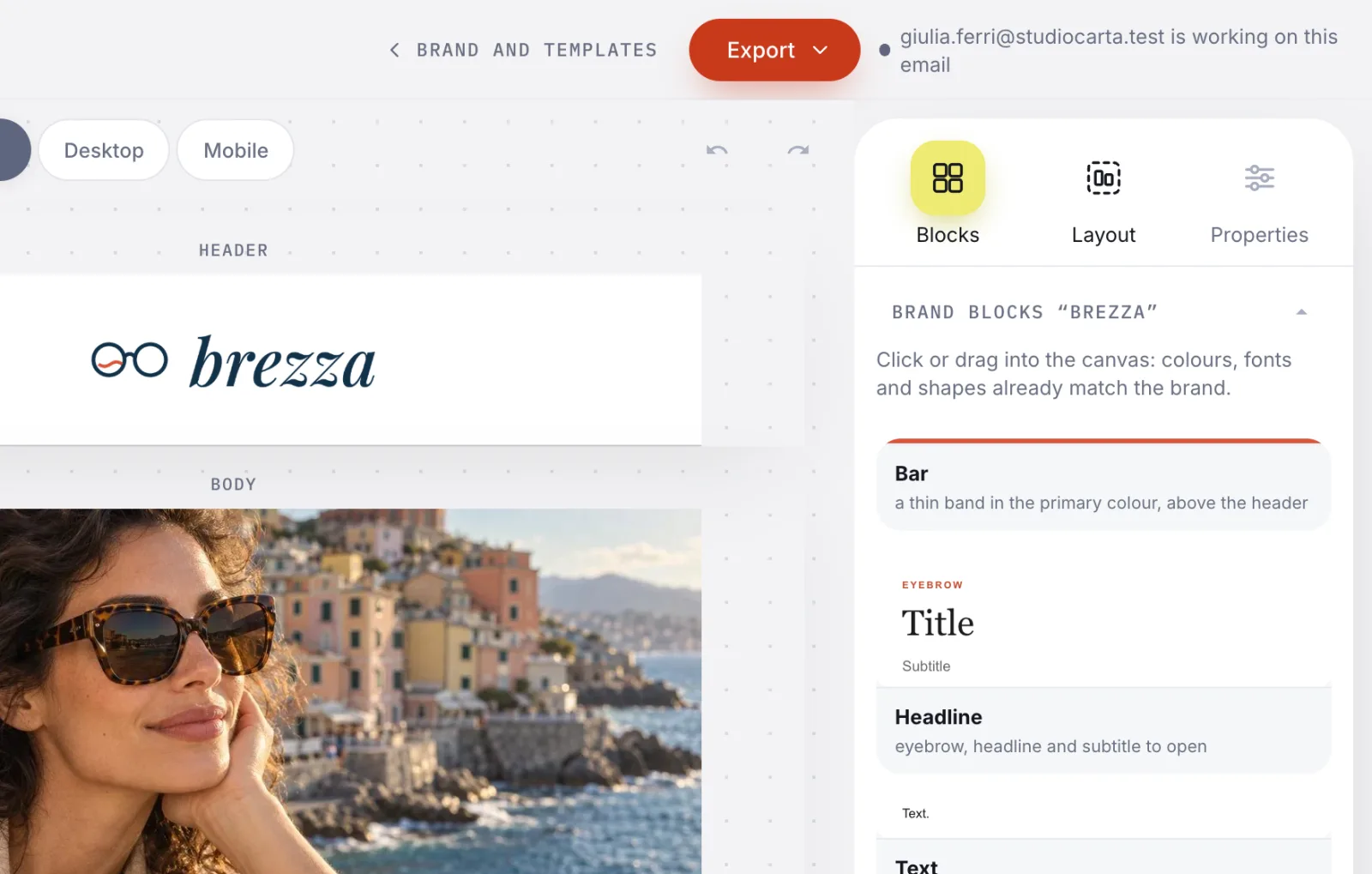
The screens come from the real app, with Brezza, our sample brand.
Everything you need to make emails in a brand's style: the brand, the images, the rules, the team.

AI-generated photo
Your client's photos, ready for email.
One editor for the whole product, with the agency's library next to it. No need to open another program to put a heading on a photo.
The image editor is still being translated into English: its screens will follow when it is done.
Text in the brand's typefaces
Ready-made styles and, as you type, the contrast and the real size on a phone.
Badges, shapes and logo
In the brand's colours, with magnetic guides and «Align to photo».
Crop, adjustments, filters
With before and after, and a history of steps to redo or undo.
Background removal in the browser
It finds the subject on its own, you touch it up with the eraser, and the photo never leaves your computer.
The right weight and size
Each image knows how wide its column is and warns you when it's too heavy for an email.
The agent, in words
«Put the price in a badge»: the sentence becomes editor steps, which you can still change.
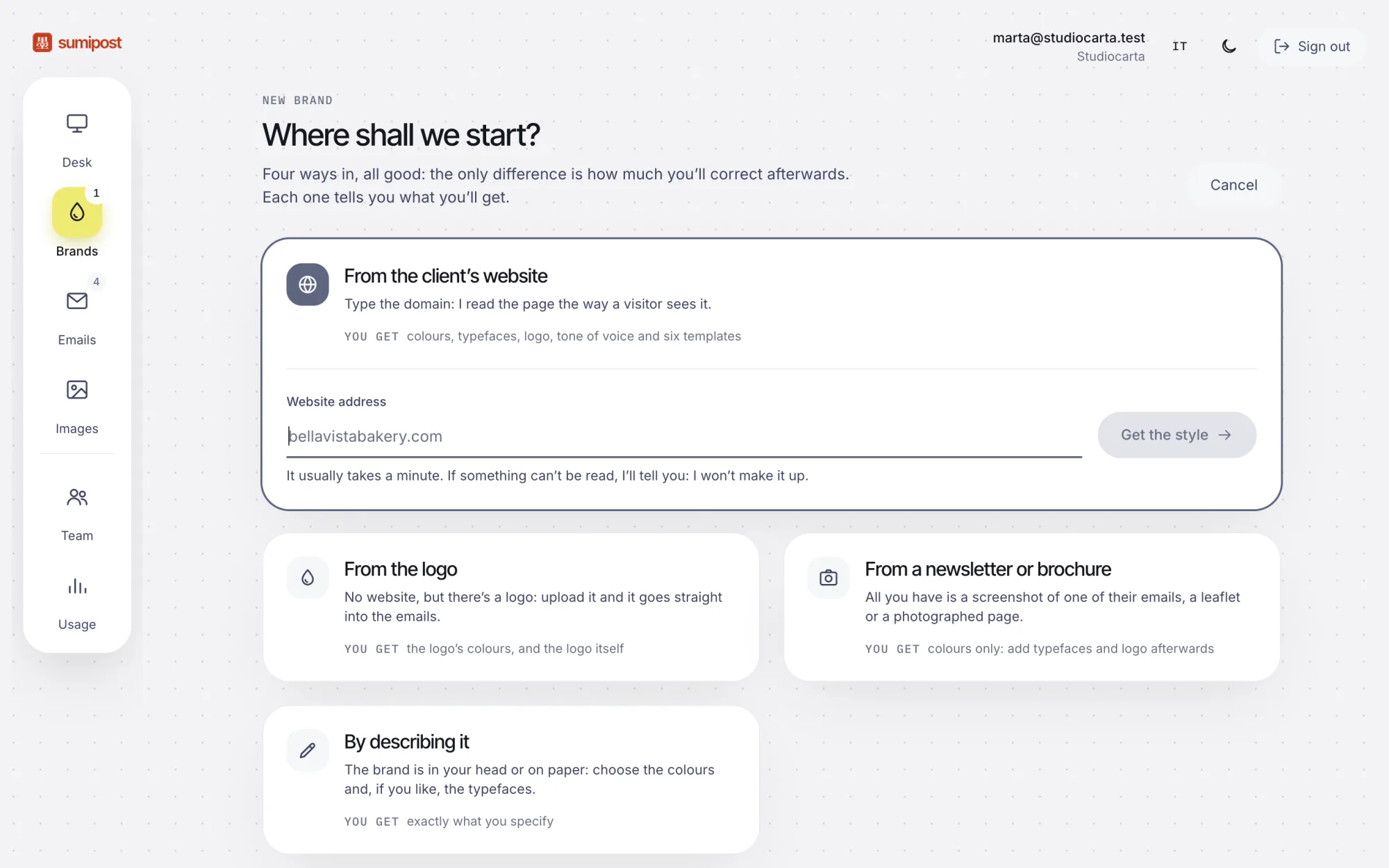
Four ways in, and what really comes out.
From the client's website, from the logo, from a photographed newsletter, or described in words. Under each way it says what really comes out: you can't get typefaces from a photo, and we don't pretend.
The brand book, to download
Every brand also comes out as a folder: the README with voice, banned words and colour and type rules, the tokens with the use and contrast of each colour, the components, the logo.
- brand-book-brezza.zip
README.mdvoice, banned words, colour, typography, buttonstokens.jsoncolours, typefaces, spacing, corners, with the use of eachcomponents/14 components: header, band, grid, event…assets/Logo/the logo read from the website
{
  "name": "brand",
  "value": { "light": "#d9573b" },
  "usage": "Colore di marca: pulsante principale, link,
            occhielli, barra e fasce. Come testo su
            `surface` 3,9:1; dove non basta, i componenti
            lo scuriscono da soli."
},
{
  "name": "on-brand",
  "value": { "light": "#1a1a1a" },
  "usage": "Testo sopra una campitura `brand` (4,5:1)."
}
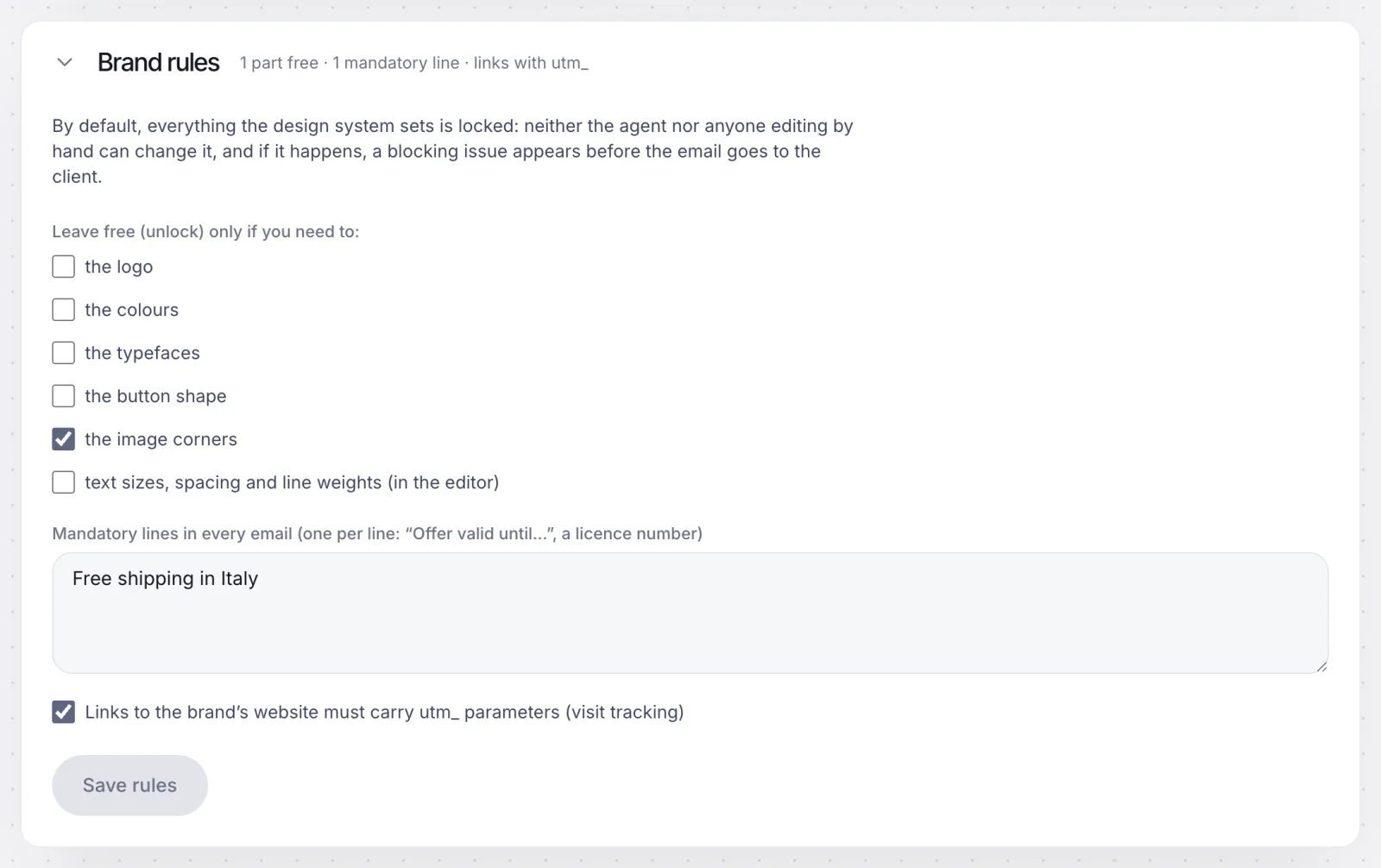
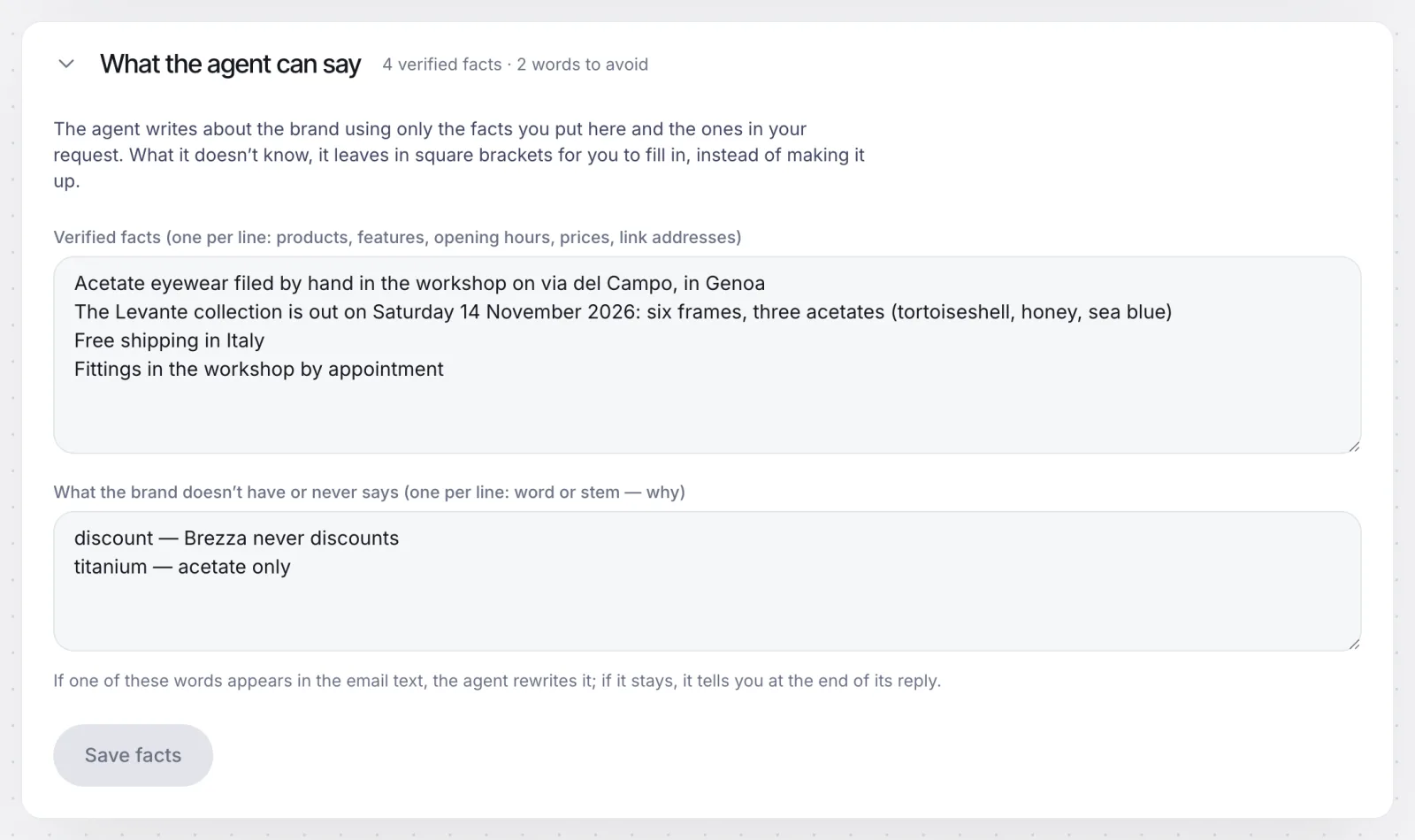
Rules the AI won't break.
By default everything the design system sets is locked. You unlock only what you need, write the mandatory lines and the brand's true facts, and the words it never says. Before the email goes to the client, a check flags anything that left the rules.
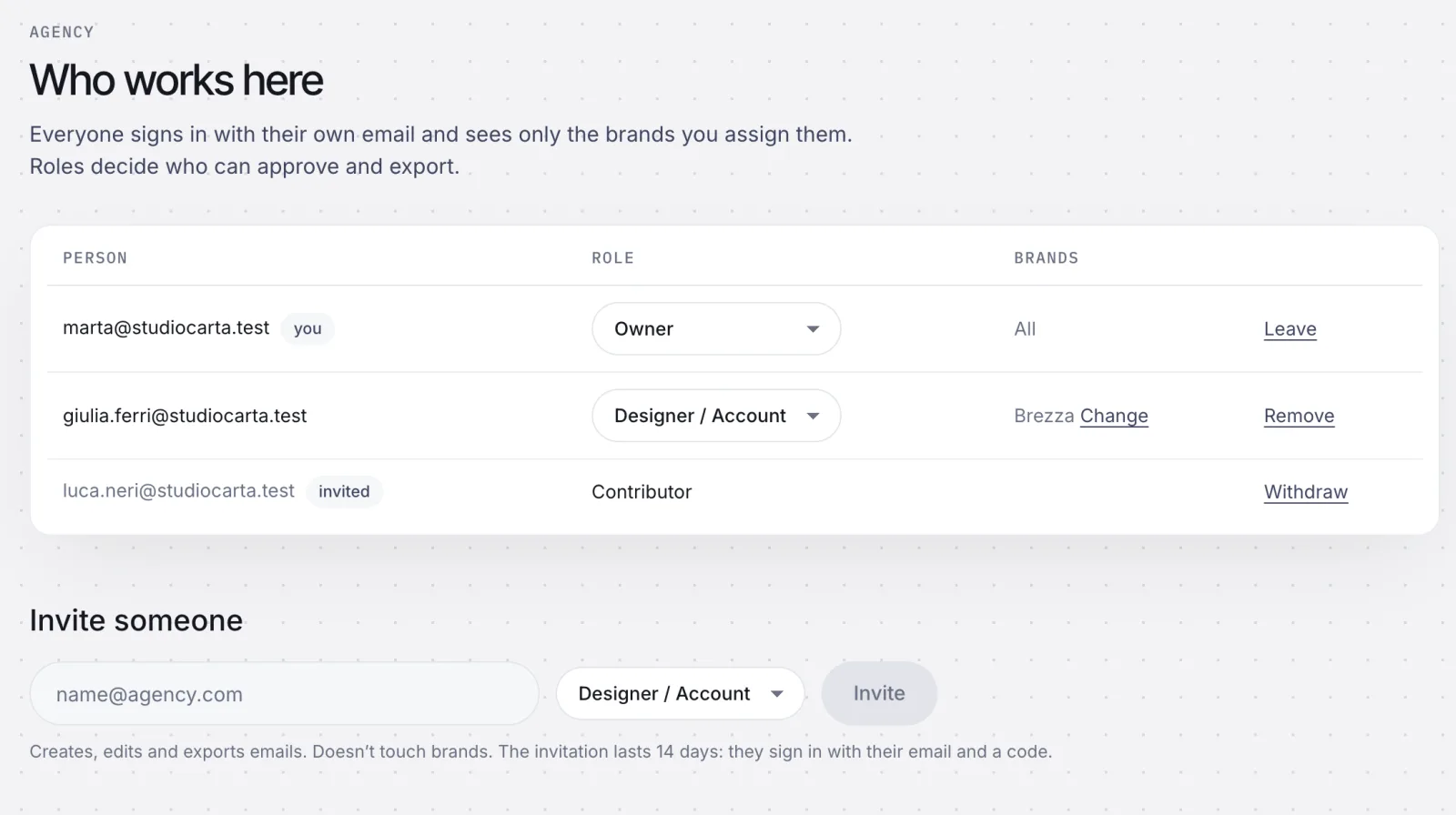
Each person their brands, nobody over someone else's work.
You sign in with your own email, no password. Roles decide who can approve and export, and each person sees only the brands you assign. If a colleague is on the same email, the editor says so before you overwrite each other.
And also
Templates and series
An email saved as a brand template: each edition starts from there, with header and footer locked.
Review with a link
The client comments on sections and approves, no account needed.
Usage per brand
What the AI costs for each client, month by month. Editing by hand costs nothing.
Export
MJML, HTML or a ZIP with the images, for the sending service you already use.
The suite, step by step.
Tools for people who make email for a living, working with any platform. We write them here when they exist, not before.
- Coming soon
Brand kit from a web address, free
The brand book you see above, for anyone, from the website. The engine exists: the public page doesn't yet.
- Later
Email check
Paste some HTML and get a list of problems, explained: weight, images, links, accessibility.
- Later
HTML to clean MJML
To bring the emails you already have out of your old editor, as code you can read.
- Later
Seasonal packs
Black Friday, Christmas, sales: a series of emails already in the client's style.
- Later
Previews in real clients
Outlook, Apple Mail, the Gmail app, webmail. A simulation isn't enough: we'll build it before promising it.
Brezza and the agency's people are invented; Brezza's photos are AI-generated. The screens come from the workspace in development, with a trial account and the interface in English.